
01Marketing Studio
Turn a product into a creator-style ad.
Bring a product image or URL into a focused studio workflow so you start with the product instead of a blank prompt.
Ready to create
Product source
yourstore.com/products/hero-product

Paste a URL or upload an image. Get creator-style video.
Made with LazyUGC
One product image or a few clips can still look like a complete campaign when the frame, hook, and creator angle keep changing.
First video included
Start with one real product URL or image and test the full creator-style ad workflow before choosing a plan.
No shoot, no setup call. Bring the product material you already have.
Launch and community
Follow the launch, share feedback, and see LazyUGC alongside other early products and maker communities.
Two ways to start
Start from the product material you already have, then shape it into a focused ad path with a clear next variation.
Bring a product image or URL into a focused studio workflow so you start with the product instead of a blank prompt.
Upload a clean product shot, choose the creator direction, and move into generation without arranging a shoot or building a production timeline.
How it works
Each step keeps the product visible, so the page feels like a practical ad builder instead of another generic AI prompt box.
Paste a product URL or upload one clean image.
Set the creator-style direction you want to generate.
Keep projects, progress, and outputs together in the studio.
Creative angles
One image or a few clips can carry multiple ad directions when the hook, demo, and creator framing change.
A fast product opener that makes the item clear before the scroll continues.
A practical product moment with the visual proof shoppers expect.
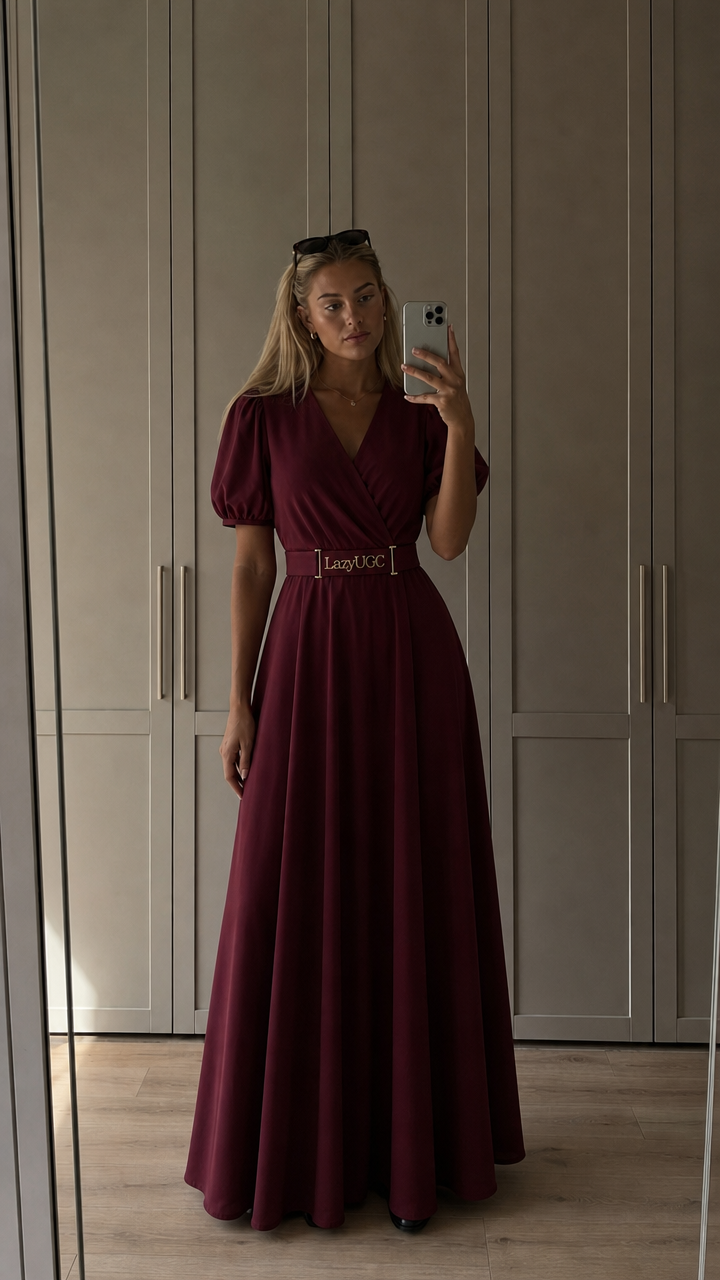
A person-led ad angle that feels closer to organic short-form content.
Reusable AI avatars
Use a recurring avatar look across product campaigns, then pair it with different product inputs and ad angles.
Create an avatarTurn existing product material into a creator-style ad path without booking production.
Keep the source, direction, generation progress, and output together as you refine.
Use vertical-first creative that fits the way product ads are actually watched.
Start with what you have
Paste the product URL, upload the cleanest image you have, or reuse a clip. LazyUGC turns that starting point into a focused creator-style ad workflow.

